
Start with the user problem: comfort, cost, and control
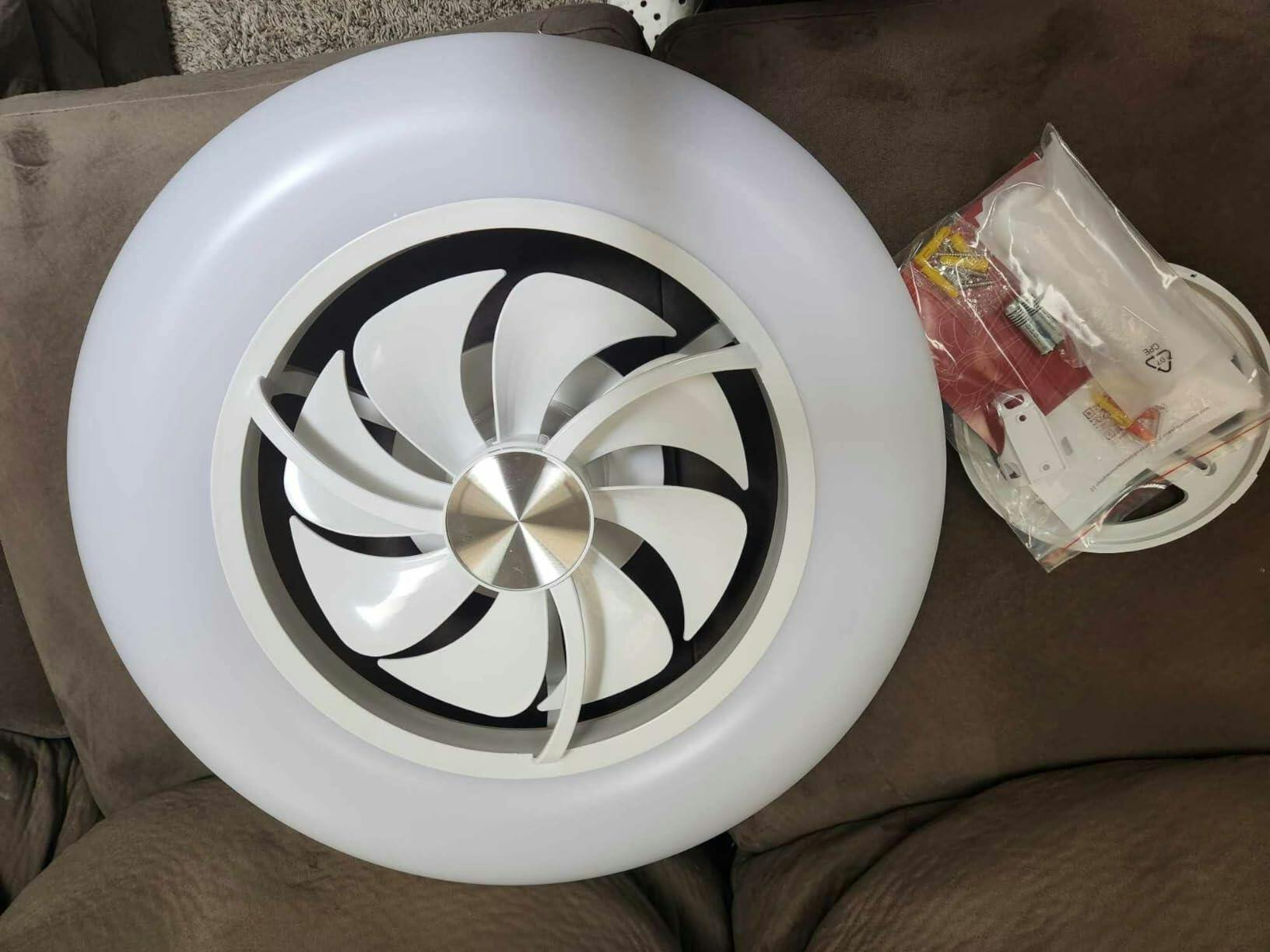
Most homeowners want steady cooling, low energy bills, and a quiet ceiling fan that fits the room’s look. The gap between factory setup and living-room comfort is often a few small adjustments — blade pitch, motor tuning, and control strategy. If you’re shopping, consider a model like the smart ceiling fan with light that exposes speed presets and dimming in its remote or app; those controls let you fine-tune comfort without climbing a ladder. Real-world context: the U.S. Department of Energy notes that ceiling fans let you raise thermostat setpoints by several degrees while maintaining comfort — that’s the efficiency payoff when blade geometry and motor efficiency work together.
How blade pitch and motor type shape the airflow
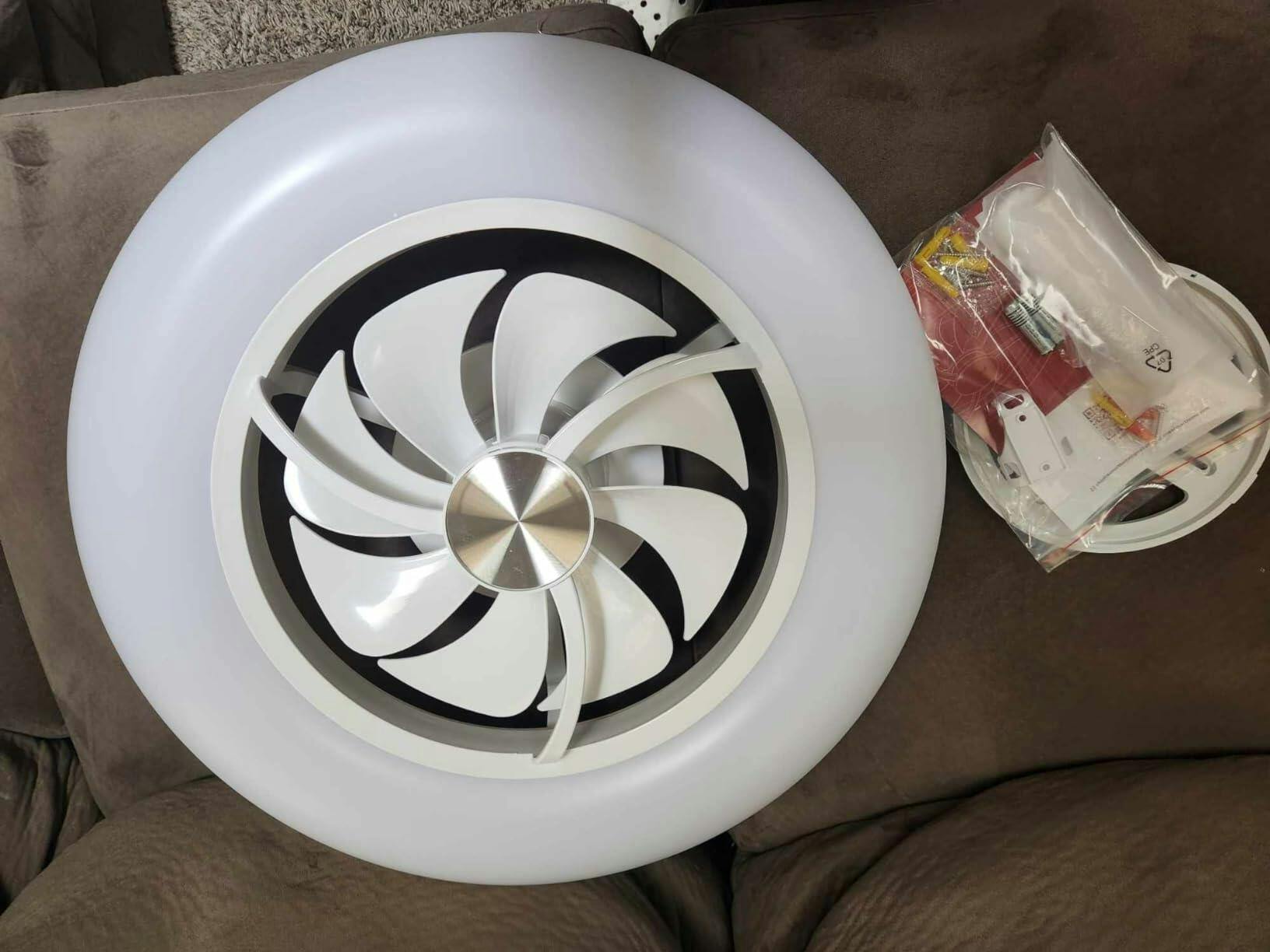
Blade pitch determines how much air a fan moves per rotation. Steeper pitch increases airflow but also raises load on the motor; efficient matching matters. Motor technology—AC versus DC—affects both power draw and control granularity. DC motors usually offer higher motor efficiency and finer PWM-based speed control at lower wattage, while traditional AC induction motors are robust and less costly. Key measurable terms: blade pitch (degrees), RPM, and CFM (cubic feet per minute). When these three are balanced, you get steady airflow with minimal noise.
Tuning for the room: practical, user-level checks
Start simple: measure perceived airflow at your sitting height and listen. A proper fan should provide a gentle, uniform breeze across the primary seating zone without buffeting or low-frequency hum. Check the remote or app for discrete speed steps—if the fan jumps between speeds or vibrates at certain RPMs, the motor-blade pairing needs adjustment. If you own a multimeter or an energy monitor, spot-check wattage at each speed to verify expected motor efficiency numbers. Small calibration changes—reversing blade orientation seasonally, adjusting canopy slack, or rebalancing—can make a noticeable difference.
Smart controls and the integrated light: match luminous output to airflow
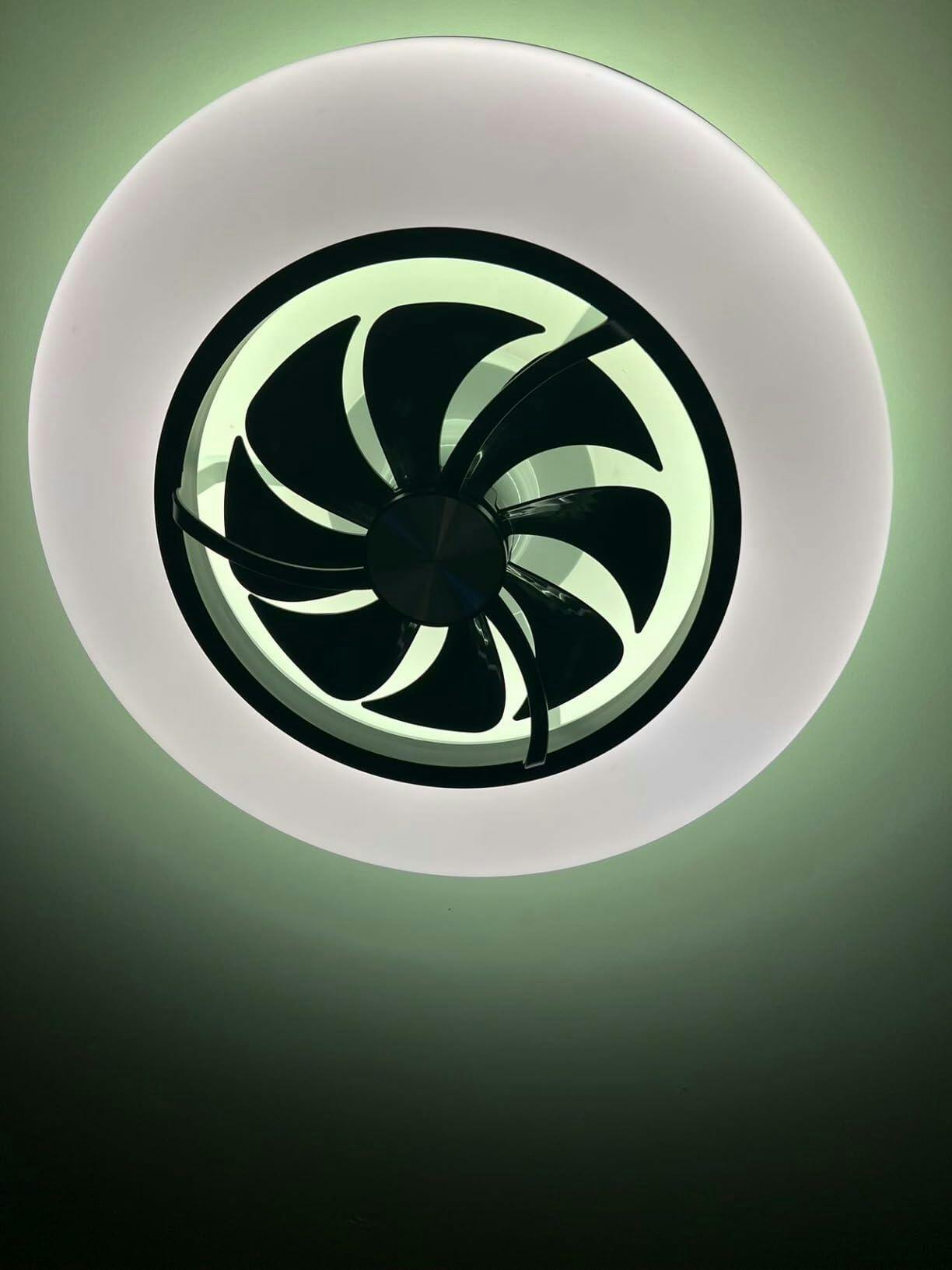
Modern units pair lighting with fan control; choose lumens and color temperature that suit the space rather than default watt-equivalent labels. Dimmable LEDs integrated into the fan head reduce fixture count and wiring complexity, but check for flicker at low dim levels—that’s often a PWM artifact in cheaper drivers. If you want fine-grain control, look for fans whose app supports schedules and scenes; linking fan speed to light mode gives perceptible comfort gains in real life. For a bundled example that balances motor control and integrated lighting, consider a certified smart fan light with documented speed presets.
DIY balancing and common installation fixes
Many problems are installation-related: imbalanced blades cause wobble, loose canopy hardware amplifies noise, and incorrect downrod length reduces effective airflow at occupant level. Use a basic balancing kit and tighten mounting points to eliminate resonance. -Remember to power off before you touch anything electrical. For complex issues—strange hums at particular RPMs or inconsistent remote pairing—firmware updates or a motor capacitor check (on older AC models) are typical fixes. If the fan’s controls are digital, verify pairing and interference sources before assuming a motor fault.
When to call a pro and when a swap is cheaper
If the motor shows high current draw at low load or the fan overheats, those are signs the motor is failing and replacement is safer than continued troubleshooting. Likewise, if you need variable-speed precision, upgrading from an AC motor to a DC motor model often yields measurable efficiency and noise improvements. But if the issue is cosmetic or limited to one blade, balancing and blade replacement are far cheaper options. Consider the total cost of ownership: installation, expected lifespan, and energy consumption at typical RPMs.
Common mistakes homeowners make
1) Confusing blade length with performance—longer blades don’t always mean better airflow if pitch and motor can’t drive them. 2) Neglecting downrod length—ceiling height changes effective airflow and perceived cooling. 3) Overlooking driver quality—cheaper fan drivers can introduce flicker in LEDs and unstable speed control. These are avoidable with a quick checklist during purchase and post-install tuning—ask for spec sheets showing CFM, wattage at each speed, and motor type before committing.
Three golden rules for selecting and tuning a smart ceiling fan
1) Prioritize measurable airflow per watt: look for published CFM/W or compare wattage across speeds—higher CFM at lower wattage signals better motor efficiency. 2) Match blade pitch to motor capability: if you want strong airflow at low RPM, choose a model with a higher-pitch blade and a DC motor that handles torque without overheating. 3) Validate smart-control fidelity: ensure the remote or app provides smooth speed steps, firmware updates, and lighting dim curves—those control features deliver real comfort gains and operational longevity. For practical value that ties these rules into a single package, consider equipment from vendors that publish clear specs and support—like Orison. —